TL;DR: Before adding a monitor arm to a custom desk, confirm the exact arm's mounting limits, the desktop's suitability and the space needed for its clamp, movement and cables.
Key takeaways
- A monitor arm needs a compatible screen and a compatible mounting surface; specify both sides of the connection.
- RIFE's 2MSGB specification lists separate desk-clamp and bolt-through options, with different table-thickness limits.
- The same listing contains differences between its feature text and specification table, so obtain written model-specific clarification rather than choosing the more generous figure.
- Plan the underside of a bespoke desk as carefully as the top: drawers, rails and cable trays need their own positions.
- The UK Health and Safety Executive checklist considers equipment space, reach, reflections and under-desk obstructions; it is useful design guidance here, not a statement of Indian law.
Will a monitor arm fit any custom desk?
Do not assume it will fit simply because the desktop looks substantial or the arm is described as universal. Our recommendation is to approve the screen, arm and desk as one matched arrangement before production.
The RIFE 2MSGB page illustrates why. Alongside screen compatibility, it specifies mounting methods, table thickness, reach and capacity per screen. A screen-size headline therefore does not settle the desk connection.
For a bespoke desk in Mumbai, give the furniture maker the exact arm model before signing off the desktop edge and storage layout. If the arm has not been chosen, record compatibility as unresolved rather than assuming the installer can improvise later.
Universal is an ambitious word. It is not a substitute for looking underneath the desk.
Which monitor details belong in the brief?
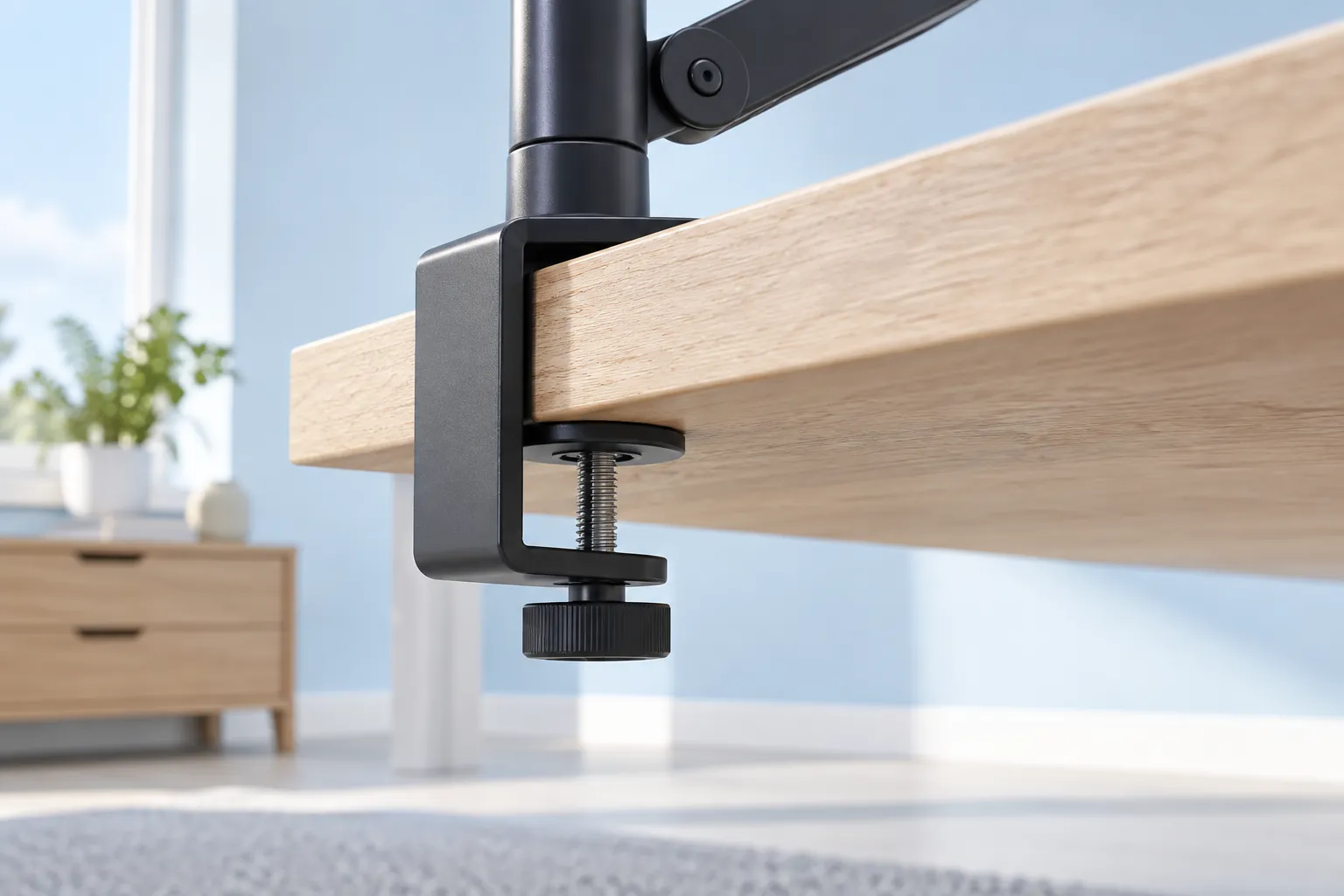
Record the monitor's exact model, its mounting compatibility and the weight information required by the arm manufacturer. Also list any accessories the arm will carry and ask how they affect the approved configuration.
The RIFE example identifies VESA mounting-hole patterns, including 75 by 75 mm and 100 by 100 mm, and lists capacity per screen in its specification table. The VESA figures here identify the mounting-hole spacing specified for this product.
Our procurement rule is to verify those details in both the monitor documentation and the selected arm's instructions. Do not approve on screen diagonal alone, and do not assume an adapter or extra laptop tray is covered by the original capacity statement.
If a screen change is likely, describe that as a future requirement for the supplier to assess. A larger-looking arm is not a documented upgrade path.
Why does the desktop edge matter?
The mounting method needs a suitable contact area and enough clear space for its actual hardware. Treat the desk's top surface, edge profile and underside as separate items in the design review.
Ask the furniture maker to show the proposed attachment point in a side-section drawing. That drawing should identify the substrate, finished thickness, any shaped or bevelled edge, and the position of rails, drawers and rear panels. This is our suggested specification method, not an engineering calculation.
Our conservative buying rule is to pause any unconfirmed mounting arrangement on glass, stone, hollow-core construction or an unfamiliar panel build-up until both the desk maker and arm supplier approve it. Do not drill, add reinforcement or substitute a plate based on this article.
A decorative thick edge should not be treated as documentation of the entire desktop construction. Ask what is actually present at the proposed attachment point and obtain the required installation detail.
Should you choose a clamp or a bolt-through mount?
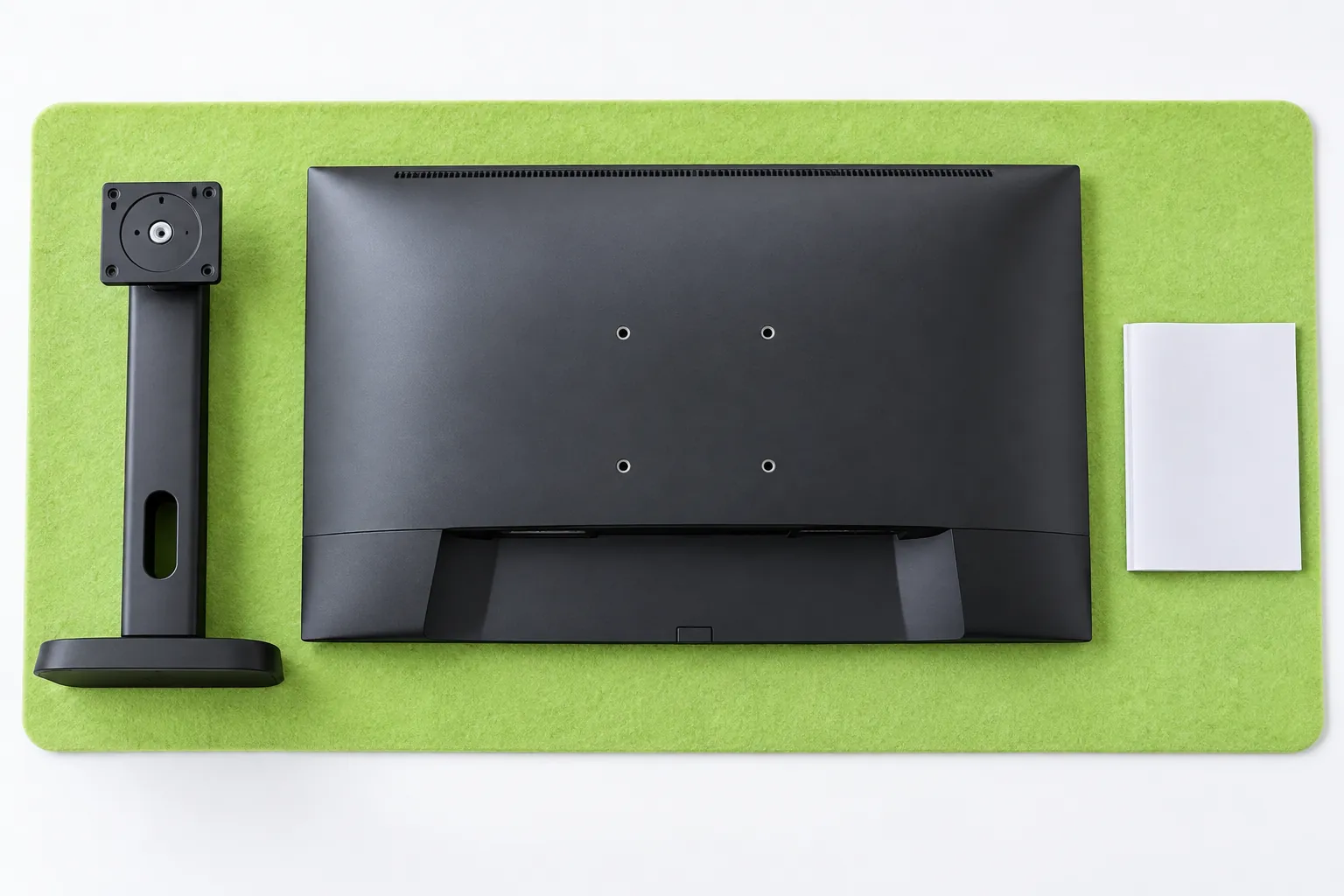
Choose only after checking the selected arm's instructions and the desktop design, because the two methods have different requirements. The RIFE 2MSGB table calls these desk clamp and bolt through.
The same table lists a table-edge clamp thickness of 10 to 80 mm and a table-grommet thickness of 0 to 40 mm. Elsewhere, its feature text and FAQ say the C-clamp works up to 3.5 inches. These are not identical limits, so this page is a useful example of why written clarification matters.
Do not use this article to decide which number overrides the other. Ask the supplier for the current installation instructions and a confirmed limit for the exact supplied version before the furniture maker makes any cut-out.
Our recommendation is to mark the approved mounting method and location on the production drawing. A tidy cable hole is not automatically an approved mounting point, and an attachment should not be designed around a limit that nobody has confirmed.
How much room should you leave for movement and cables?
Use the arm's actual movement envelope and a full-size equipment layout rather than a generic clearance figure. Plan the screen's useful working position as well as its parked position.
The RIFE listing gives reach and movement information for its model. The practical question for your project is whether the chosen arm can reach the intended position without conflicting with a wall, shelf, window treatment or another screen.
For a desk in a Mumbai bedroom alcove, our suggested review includes the rear wall, curtain position and nearby wardrobe door. For a freestanding study desk, include the appearance and accessibility of the cable route from the visitor's side. These are project-specific design scenarios, not claims about all Mumbai homes.
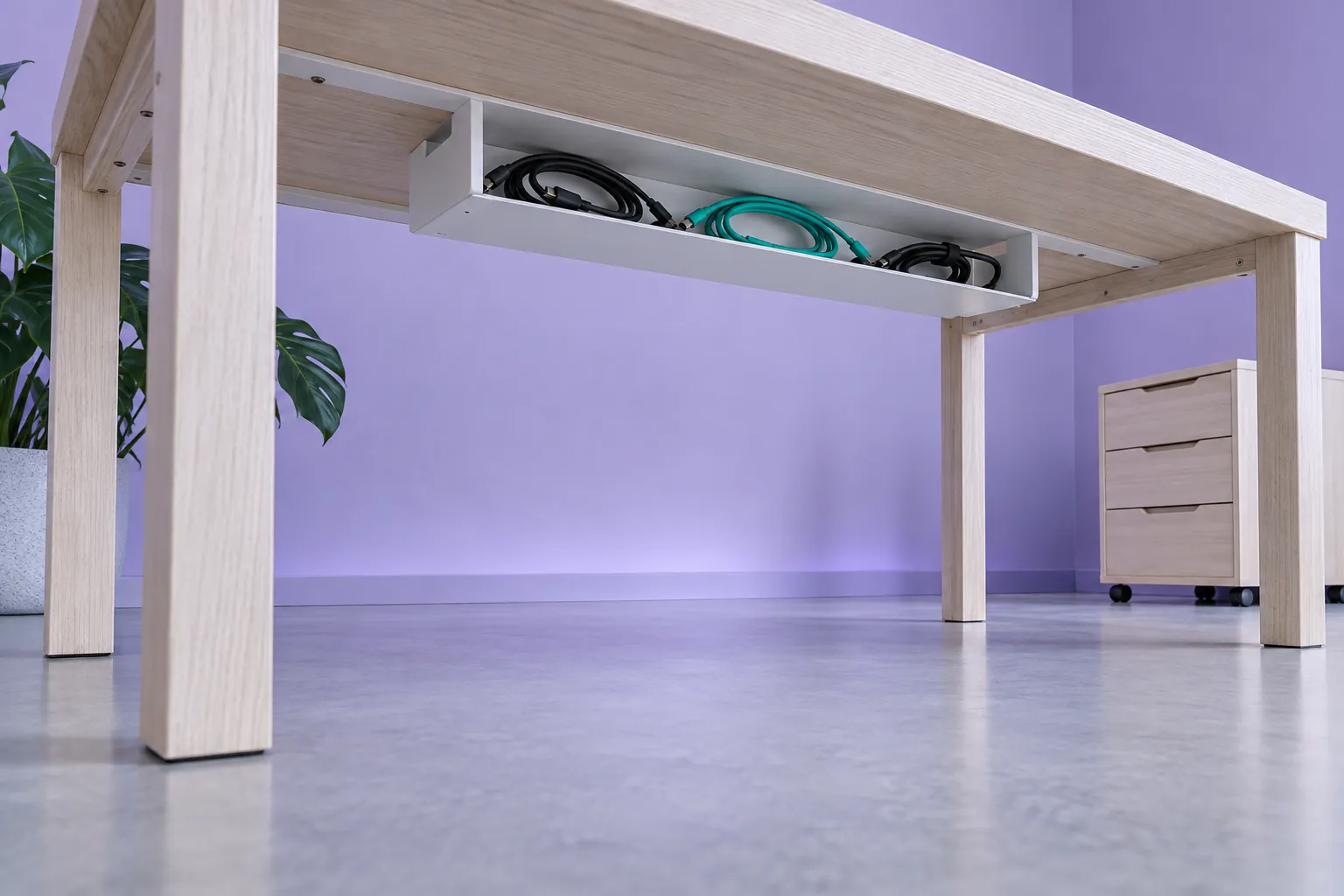
Keep cable trays accessible and agree their location with the furniture maker. Ask the installer to confirm cable routing through the full permitted movement, rather than hiding everything first and discovering the constraint afterwards.

Does an adjustable screen settle the whole workstation design?
No, screen adjustment is only one part of the workstation. The HSE's display screen equipment checklist separately considers space for equipment, comfortable reach, screen reflections, chair position and obstructions under the desk.
The checklist also says some questions, such as reflections and user comfort, cannot be resolved until the workstation is installed. That supports a useful design principle: approve the drawing first, then review the completed arrangement in use.
We use this UK checklist as a practical reference, not an Indian regulatory requirement or proof that a particular desk improves health. This article makes no claim that an arm prevents pain or that one height suits everyone.
What should FCI India receive before production?
Send a compact compatibility pack with the proposed desk drawing, exact hardware and any unresolved questions. Our suggested sign-off record includes:
- Monitor model and relevant mounting and weight documentation.
- Arm model, current installation instructions and confirmed compatibility limits.
- Chosen clamp or bolt-through arrangement, with its approved location.
- Desktop construction and a side section through the attachment point.
- Positions of drawers, rails, modesty panels and cable trays.
- Intended screen positions and any nearby obstruction.
- Named responsibility for installation and the final in-use review.
FCI India's services page describes bespoke furniture design and manufacturing from architectural drawings or sketches. Use that design conversation to resolve the desk details; it is not evidence that FCI supplies or endorses the example monitor arm.
Limitations
This is a purchasing and coordination guide, not structural approval, an installation manual or electrical advice. The RIFE listing is a current Indian supplier example, and its inconsistent limits remain unresolved here. Confirm the supplied product's documentation before buying or modifying furniture.
Generated images are conceptual illustrations, not certified hardware details, actual FCI projects or proof of a particular desktop's load capacity.
What is the next step for your desk project?
Explore FCI India's bespoke services and gather the hardware documents before finalising the desk. Keep any unresolved compatibility question visible in the brief rather than treating it as an installation detail to settle later.
Then contact FCI India with the compatibility pack. Ask for the agreed mounting detail to appear in the production drawing, with unresolved items clearly held open rather than hidden under the word standard.
Sources
- Dual Height Adjustable Monitor Stand, model 2MSGB, RIFE Technologies. Current product description and specification table; inconsistent compatibility figures are identified, not resolved by assumption.
- Display screen equipment workstation checklist, Health and Safety Executive. Published May 2013 and retrieved from HSE; UK workplace guidance used only as a design reference.
- Bespoke Furniture Services, FCI India. Current design and manufacturing scope.
- Contact FCI India, FCI India.